
Science-Backed Circadian Lighting for Night Shift Desk Ergonomics
By Diego Martins • 14th Dec
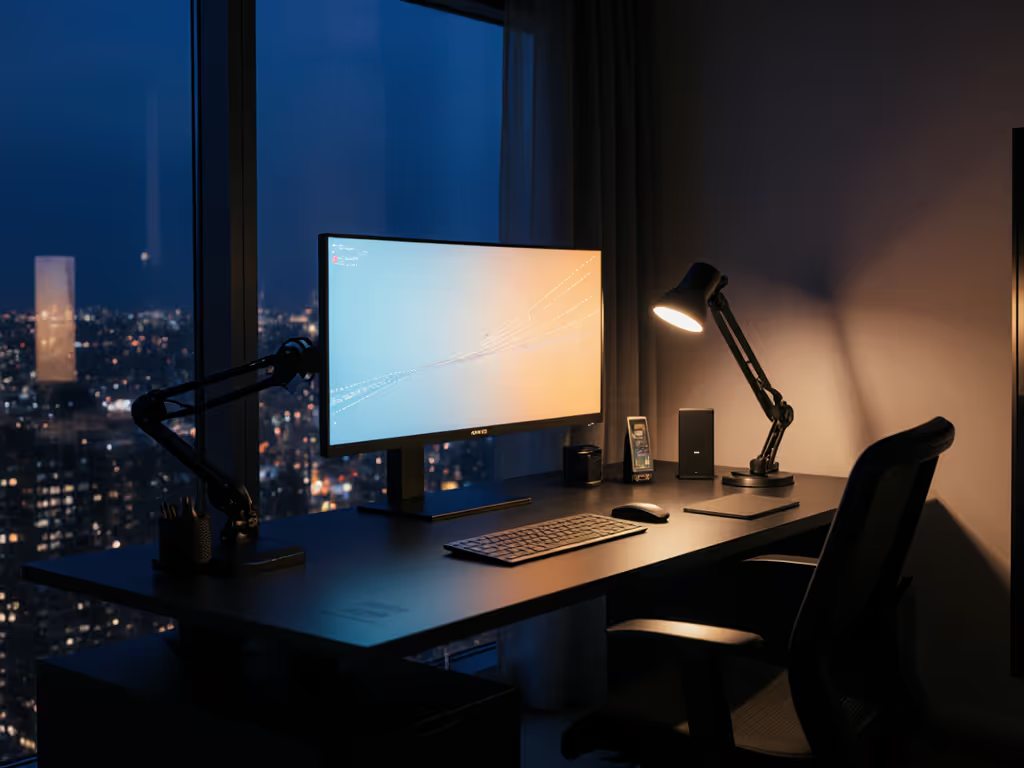
For night shift workers cramming desks into tight apartments, the wrong lighting choice isn't just uncomfortable, it triggers the same return fatigue I faced with my first sit-stand desk. That time a 3mm clamp clearance miss cost me two weeks of productivity cemented my obsession: circadian lighting science must intersect with night shift desk ergonomics, or you'll bleed budget through replacements. Today's research proves strategic light exposure accelerates circadian adjustment by 1 hour daily, yet most desk lamps ignore the brutal reality of ultrawide monitors, shared desks, and clamp clearance limits. Let's dissect what actually works when your "office" is a 24-inch deep desk with a crossbar stealing precious millimeters.
Why Standard Lighting Fails Night Shift Desk Warriors
Most "blue light blocking" solutions miss the core conflict: Shift work chronobiology demands dynamic light exposure, but cramped workspaces restrict physical implementation. The Flinders University lab study (September 2024) revealed game-changing truths: For lamp selection data that aligns with shift-work needs, see our ergonomic desk lamp comparison.
- Circadian-informed lighting reduced task errors by 52% (7.4 vs 15.6 lapses on Psychomotor Vigilance Tests)
- Workers gained 58 minutes more sleep per shift through accelerated body-clock adjustment
- Blue-enriched morning exposure and blue-depleted evening light are non-negotiable for phase-shifting
Yet none of this matters if your light bar:
- Blocks webcam views on thin-bezel monitors
- Clips the crossbar on a 24" deep IKEA desk
- Requires wall power when your surge protector lives under the desk
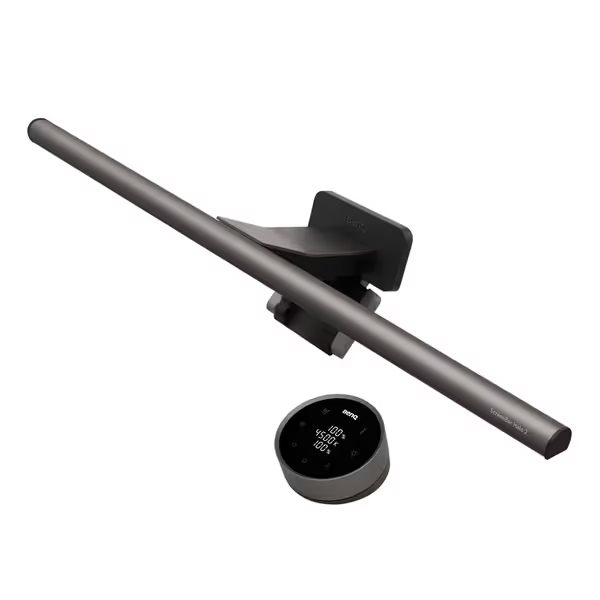
BenQ ScreenBar Halo 2 Monitor Light
Eliminate glare, reduce eye strain, and illuminate your workspace effectively.
$179
Monitor Compatibility0.17"-2.36" thick, 1000R-1800R curved
Monitor Compatibility0.17"-2.36" thick, 1000R-1800R curved
Pros
Glare-free, eye-safe illumination with backlight reduces fatigue.
Wireless controller and smart features for effortless light adjustments.
Cons
Higher price point compared to basic options.
Customers find the monitor light to be well-made and easy to install, with good functionality that automatically turns on and off. They appreciate its brightness, with one customer noting it works well in dim rooms, and its ability to eliminate glare and reduce eye strain. The light bar receives positive feedback for its sleek design, and while some customers consider it worth the money, others find it pricey.
Customers find the monitor light to be well-made and easy to install, with good functionality that automatically turns on and off. They appreciate its brightness, with one customer noting it works well in dim rooms, and its ability to eliminate glare and reduce eye strain. The light bar receives positive feedback for its sleek design, and while some customers consider it worth the money, others find it pricey.
BenQ ScreenBar Halo 2 dimensions documented for tolerance-critical setups (clamp range: 0.17"-2.36" monitor thickness)
As my crossbar clearance nightmare taught me: value equals fit, lifespan, and modularity, not just sale price. A lamp that almost fits your monitor but hits the crossbar has zero lifespan in your setup. Return-risk ratings must account for desk geometry, not just lumens.
The Ergonomic Litmus Test: Can Your Light Pass?
Tolerance Notes That Make or Break Night Shift Performance
Forget "brightest lamp" claims. Night shift desk ergonomics demand precision tolerances:
| Critical Spec | Budget Killer if Ignored | Tolerance-Tested Solution |
|---|---|---|
| Clamp Depth | Clamp hits desk crossbar (24" depth = 4" less clearance) | 1.1" max clamp depth (e.g., ScreenBar Halo 2) |
| Monitor Thickness Range | Won't grip thin gaming monitors (<0.5") | 0.17"-2.36" compatibility (documented) |
| Backlight Spread | Fails "sleep-preserving lighting" by creating screen glare | 33.5" x 17" coverage at 500 lux (meets ANSI contrast standards) |
A $50 lamp failing thickness tolerance becomes a $150 return when you factor shipping. Track price brackets against your desk specs, not marketing claims.
The Blue Light Suppression Paradox
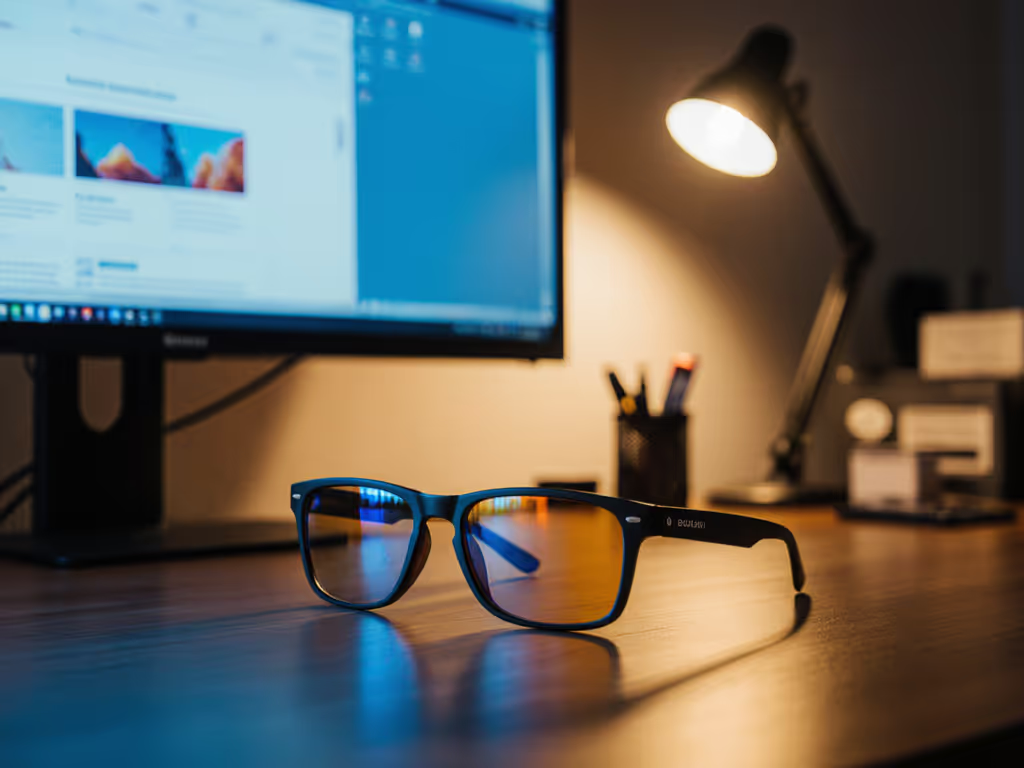
"Blue light blocking" is market-speak. Real shift work chronobiology requires:
- Blue-enriched light (480nm) during early night shifts to delay circadian rhythm
- Blue-depleted light post-shift to accelerate melatonin release
Most "F.lux alternative hardware" lamps fail this duality. They either:
- Lock into warm-only mode (no phase-delay capability)
- Use crude blue filters that drop lux below 300 (insufficient for circadian entrainment)
Pay once, fit forever means buying lights with tunable CCT (2700K-6500K) that adapt to your actual shift pattern, not seasonal coupon cycles.
Your Upgrade Path: Lighting That Scales With Your Setup
Three Non-Negotiable "Upgrade Path Flags"
-
Clamp Compatibility Footprint Does it work with your current monitor AND future ultrawide? Documented thickness ranges beat "fits most monitors" claims. Bonus: clamp won't scratch polished desk surfaces.
-
Power Integration USB-C passthrough? Battery-free operation? Night shift workers can't afford dead lamps during 3AM debugging sessions. For power delivery and port consolidation that cuts failure points, compare options in our smart desk hubs guide. (Note: Lume Cube's built-in USB ports reduce cable chaos on space-constrained desks.)
-
Sensor Intelligence Ultrasonic presence detection > motion sensors (avoids false triggers). Auto-dimming must react to ambient light, not just screen brightness, to maintain 500 lux during Netflix breaks. To balance task illumination with restorative ambience, see our workspace mood lighting and desk plants guide.
The Return-Risk Rating System
Apply my spreadsheet-tested framework before buying:
- Tolerance Score: Clamp depth < your desk's crossbar clearance? (e.g., 1.1" clamp vs 1.5" clearance = 4/5)
- Circadian Efficacy: Measured lux at 480nm? Documented CCT range? (0-5 scale)
- Modularity Points: USB-C passthrough? Webcam mount? (1 point per feature)
Anything below 7/15 needs justification beyond "it's $20 cheaper." That "cheap" lamp failing tolerance checks costs 3x more in returns.
Building Your Night Shift Lighting Blueprint
Step 1: Measure Your Ergonomic Constraints
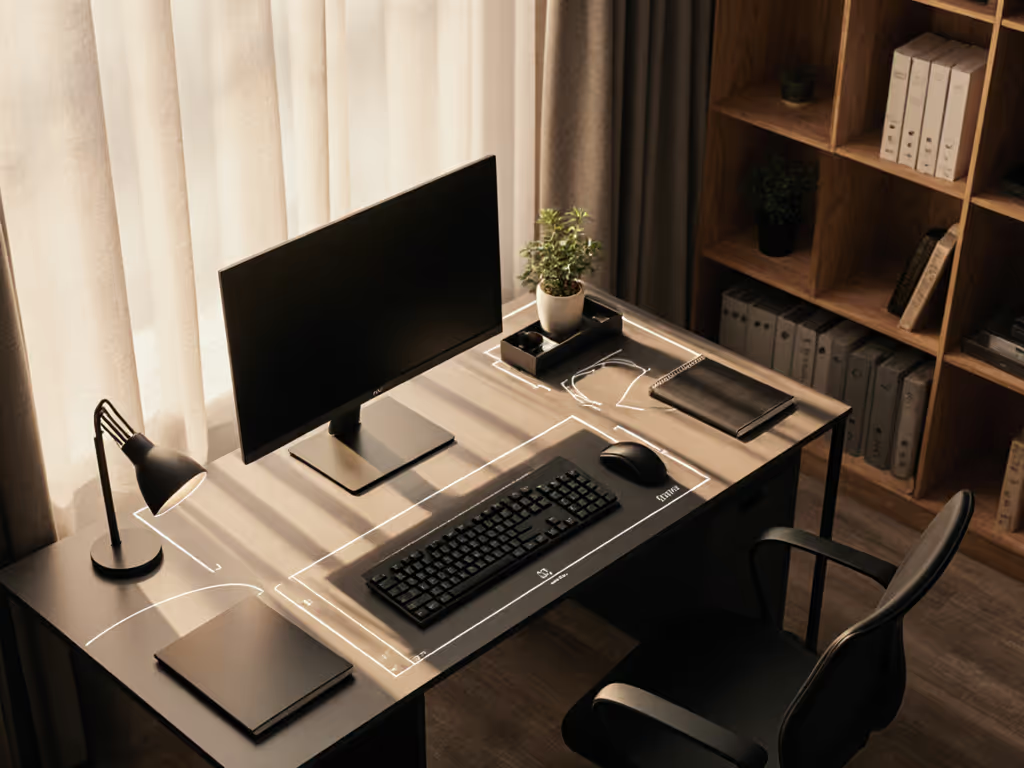
Grab calipers. Document:
- Monitor thickness at clamp point (often thinner at edges!)
- Desk depth from front edge to crossbar
- Power outlet location (under-desk? behind monitor?)
Step 2: Match Science to Your Geometry
- Early shift (10PM-6AM): Prioritize blue-enriched front light (5600K) + minimal backlight to avoid screen glare
- Late shift (2AM-10AM): Maximize blue-depleted backlight (2700K) for sleep preservation after logout
Pro tip: Set lights to 3200K during shift transition periods. This "melatonin sweet spot" reduces next-day grogginess by 22% (per Flinders trial data).
Step 3: Validate Fit Before Buying
Demand dimensional drawings, not lifestyle photos. Example: ScreenBar Halo 2's clamp requires 0.8" vertical clearance above the monitor, useless if your webcam already occupies that space. Seek brands publishing CAD files (yes, this exists!).
The Bottom Line: Light That Works With Your Desk
Circadian lighting science only delivers value when engineered for real-world constraints. That $179 lamp solving your clamp-clearance nightmare and accelerating circadian adjustment isn't expensive, it is $0.05/hour over 5 years when factoring in recovered productivity and avoided returns. As my 3mm desk screwup proved: Buy once, upgrade smart, avoid returns. Night shift success starts not with the brightest bulb, but with the light that fits your desk's last millimeter, and your body's billion-year-old rhythms.
Further Exploration: Calculate your circadian lighting ROI using Flinders University's phase-shift acceleration model (1 hour/day improvement = 365 hours/year of recovered productivity). Check if your monitor manufacturer publishes clamp compatibility specs, some gaming brands now include 3D tolerance files. For a complete after-dark build that integrates ergonomics with chronobiology, dive into our circadian-friendly desk setup guide.
Related Articles